Take orders, manage your tables, and accept payment by cash, card, UPI, or split the bill. Everything works on one simple screen.
Take the order, split the bill, and take payment in a few taps. The queue keeps moving, so your tables clear sooner.
Tap the items your customer wants. It takes only a few seconds.
The order goes straight to your kitchen, to the right place.
Take the payment and print the customer's bill.
One screen does it all, from taking the order to printing the bill.
Add items with a few taps and the bill is ready in seconds. Your staff can serve more customers in less time.
Take payment by cash, card, UPI, or wallet. You can also split one bill between two payment types.
The order goes straight to your kitchen printer, and you print the customer's GST bill at the counter. It works with the printers you already have.
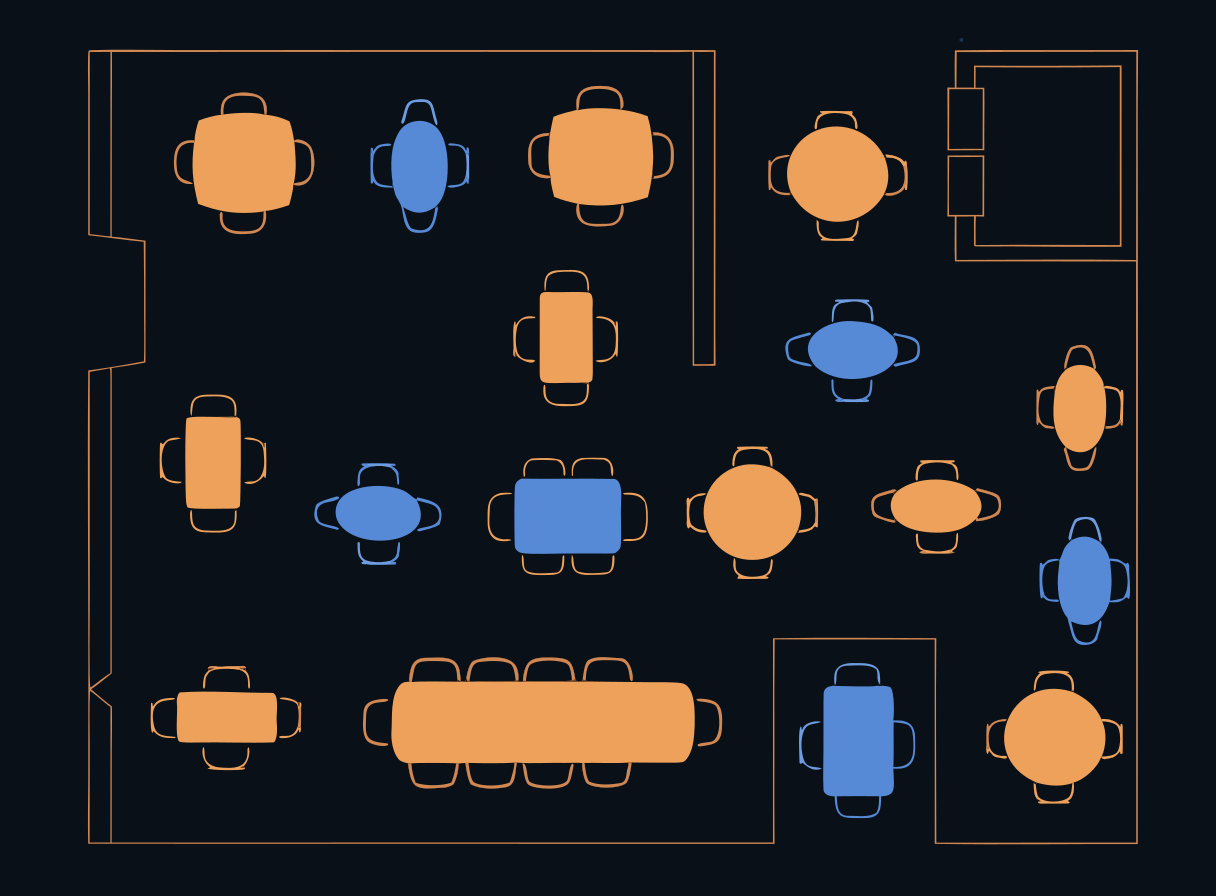
See all your tables on one screen. Know which are free, which are busy, and which are ready to pay. Join or move tables easily.
At the end of each shift, see how much cash you collected and which staff member took which orders.
Give each staff member only the access they need. Every bill is saved and backed up for you.
See all your areas, like AC, garden, and bar, on one screen. Know which tables are seated, which are still ordering, and which are ready to pay.
Use it at your billing counter on any Windows computer.
Use it on an Android tablet to take orders right at the table.
Check your sales and stock from anywhere, on your phone or computer.